Mastering 13 AutoCAD Hatch and Gradient Features: A Step-by-Step Guide
When it comes to creating technical drawings in AutoCAD, hatching and gradients are the ultimate tools to turn…

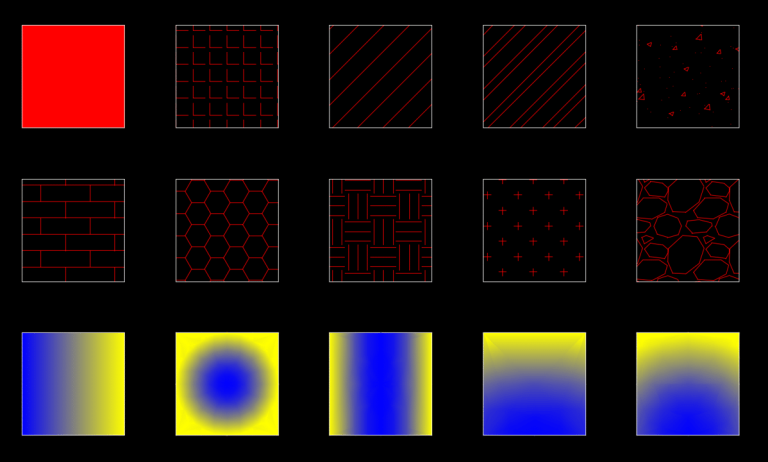
When it comes to creating technical drawings in AutoCAD, hatching and gradients are the ultimate tools to turn…

While AutoCAD has plethora of different tool sets, mastering the AutoCAD Layer tool is fundamental to effectively using…

Understanding AutoCAD Blocks: The Foundation of Efficient Design What are Blocks in AutoCAD? A block is a group…
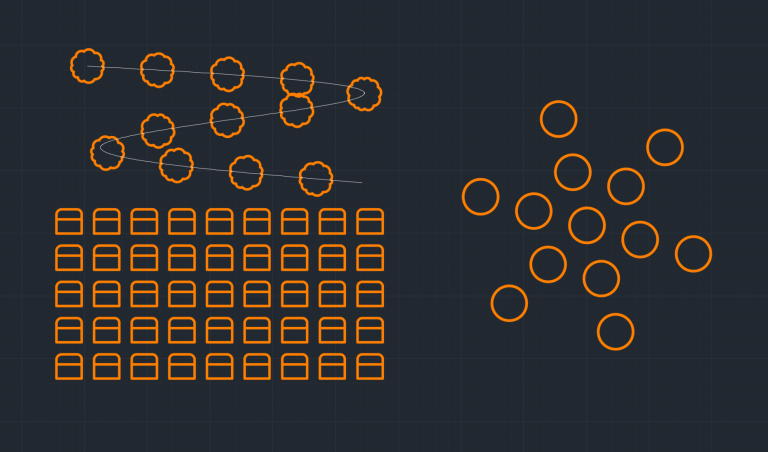
What is an Array? AutoCAD Array creates multiple copies of objects in a particular pattern. There are three…
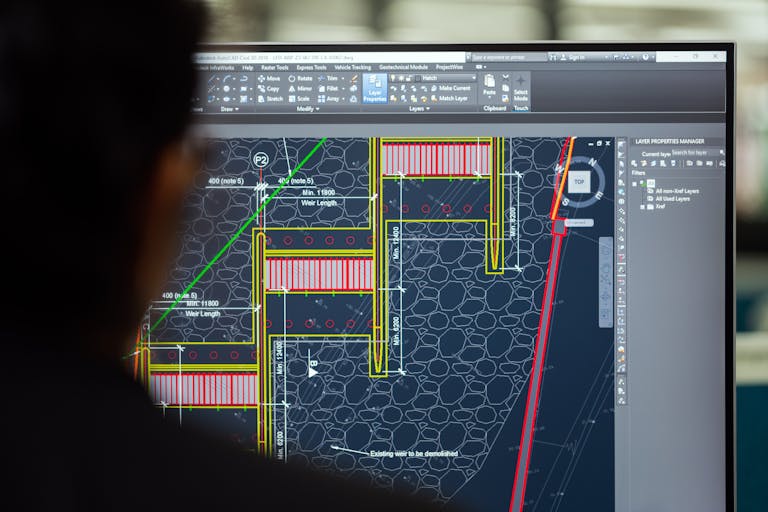
AutoCAD offers a plethora of tools for modifying drawing. We covered some of the modify tools such as…

At the heart of AutoCAD lies a powerful set of basic modify commands that transform the process of…

AutoCAD can be daunting, but surprisingly there are several AutoCAD intuitive commands which you likely use daily in…

In the world of engineering, accuracy and precision are paramount. AutoCAD Object Snaps, Ortho Mode, and Polar Tracking…

Now that you have learnt one-dimensional drawing tools in AutoCAD, its about time to learn the two-dimensional AutoCAD…

AutoCAD Coordinate System is based on Cartesian Coordinate System and it has X, Y & Z axis. To master coordinates in AutoCAD there are 5 key things you will need to master ID Command, Cartesian Coordinate System, Polar Coordinate System, World Coordinate System (WCS) vs User Coordinate System (UCS) and DVIEW (Dynamic View).
End of content
End of content